Introduction
A community is a group of properties managed together which are overseen by a designated number of managers.
Community managers can search for communities, view all the available communities, create a new community, edit an existing community, and delete a community.
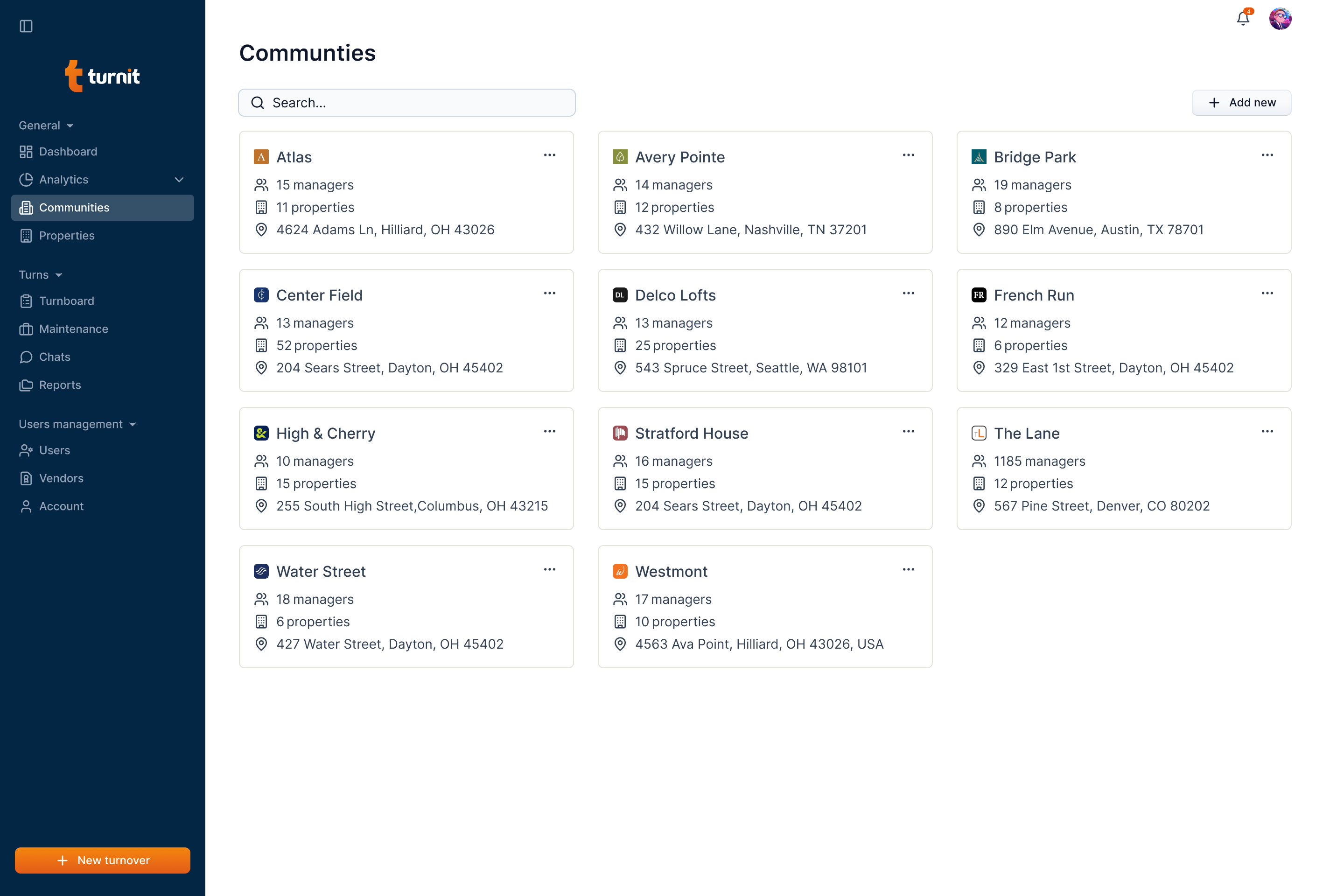
A community is represented by a card. The card contains the community name with the logo, the number of managers, the number of units, and the address of the community along with the three dots icon that allows you to edit or delete the community.
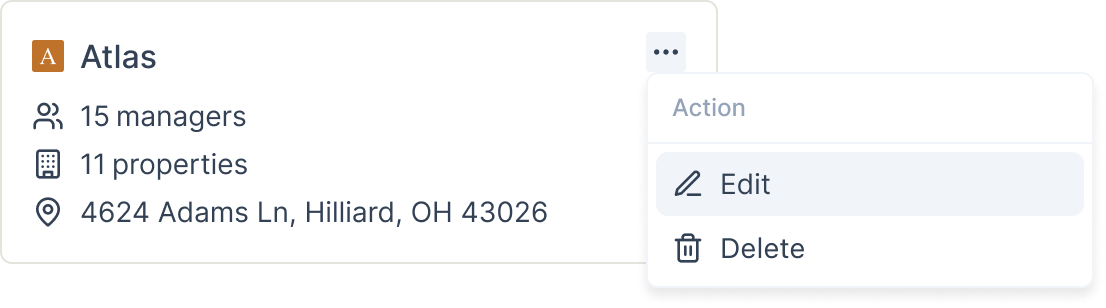
You can edit or delete a community by clicking the three dots icon on the community card.