Delete Community
Info
Not available to all users
To delete a community, click on the three-dot icon on the community's card, then press the "Delete" button and proceed with the provided instructions.
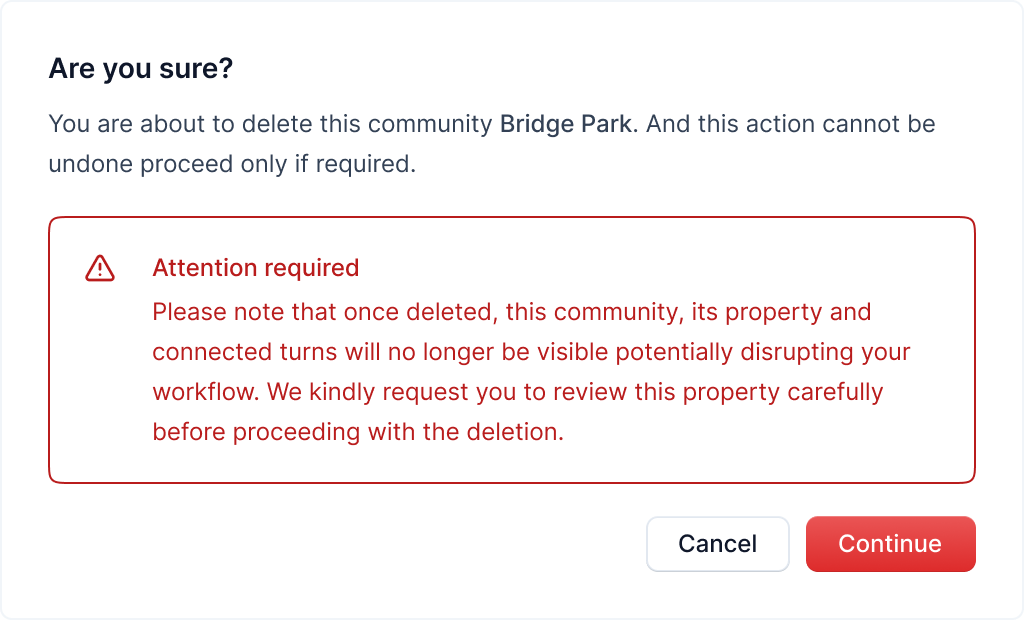
After clicking the button, a popup will open asking you to confirm the deletion.
Carefully read the warning and click on the "Continue" button to continue with the community deletion.
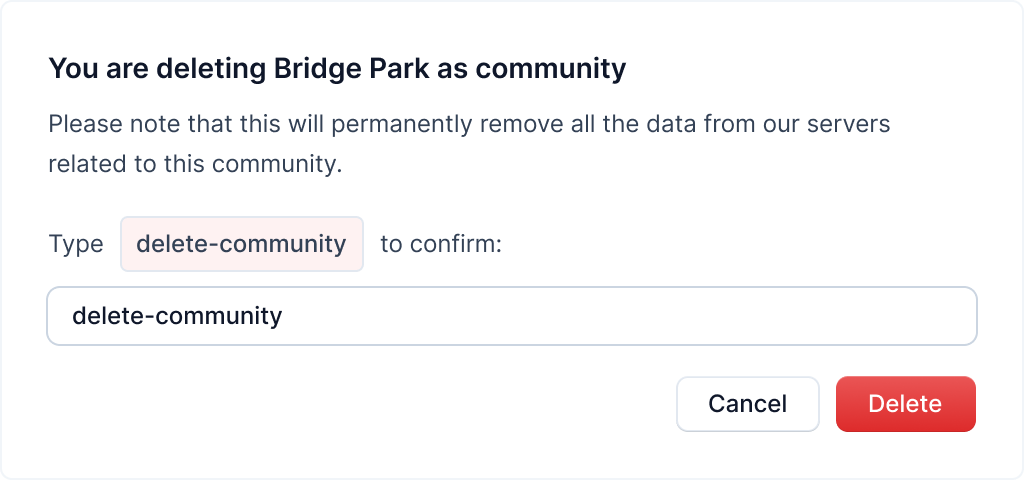
After clicking the Continue button, another popup will open for the final confirmation.
Warning
This action is irreversible. Once you delete a community, it cannot be recovered
Type in "delete-community" in the text field and click on the "Delete" button to delete the community.
After deleting the community, its units and connected turns will no longer be visible, and you'll be redirected to the communities page.