Add Community
Info
Not available to all users
To add a community, click the "Add new" button.

After clicking the button, a form will open in a pop-up. Here, you can enter the community's information.
Fields in the "Add Community" Form
The form consists of the following fields:
- Name: Enter the name of the community.
- Address: Provide the complete address of the community.
- Map View: A map will be displayed to help visualize the location.
- Community Logo: Option to upload a community logo by clicking "Click to upload."
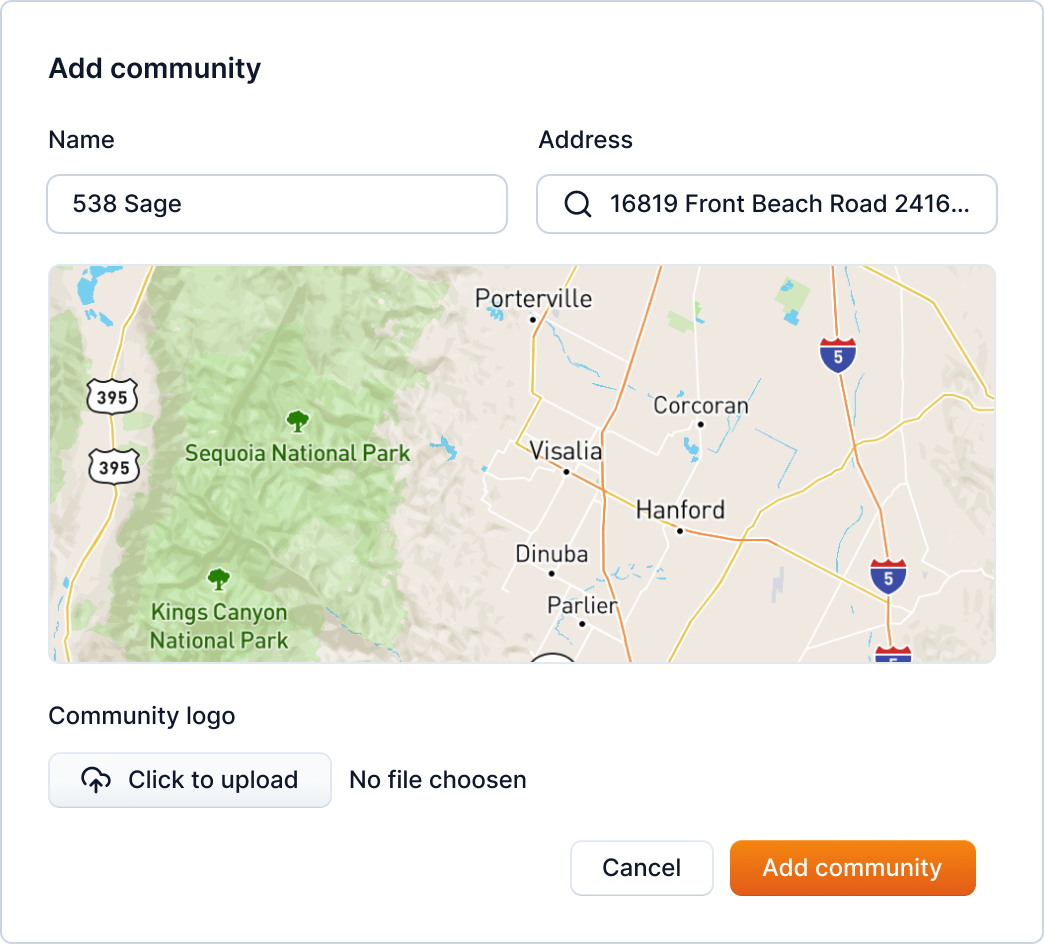
After filling in the necessary information, click the "Add community" button.

To search for a newly added community, you can use the search bar to enter the community name from the community page.
