Add Property
Info
Not available to all users
To add a property, click the "Add new" button.

After clicking the button, a form will open in a popup. Here, you can enter the property's information.
Fields in the "Add Property" Form
The form consists of the following fields:
- Community: Select the community to which the property belongs.
- Type: Choose the type of property from the dropdown (Apartment, House, or Loft).
- Name: Enter the property's name.
- Address: Provide the full address of the property.
- Map View: Displays a visual representation of the entered address.
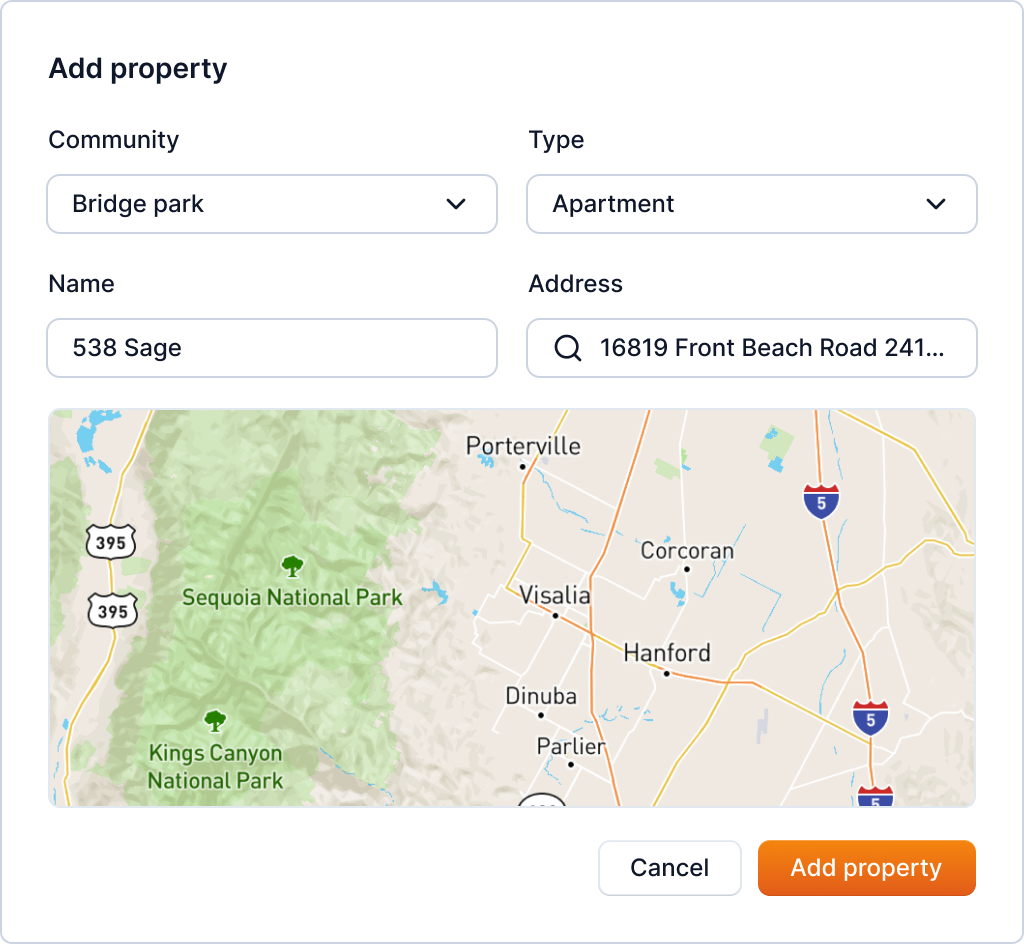
After filling the necessary information, click the "Add property" button. This will add the property to the community.
Note: The type of property can be either Apartment, House, or Loft which can be selected from the drop-down menu.
Tip
You can also add properties in bulk. Refer to Property Bulk Upload for more information.