Proposals
When there is a proposal on a job, the status of the job changes to "Proposals" as follows.

TODO: Confirm the following Click the proposals status chip to view the proposals.
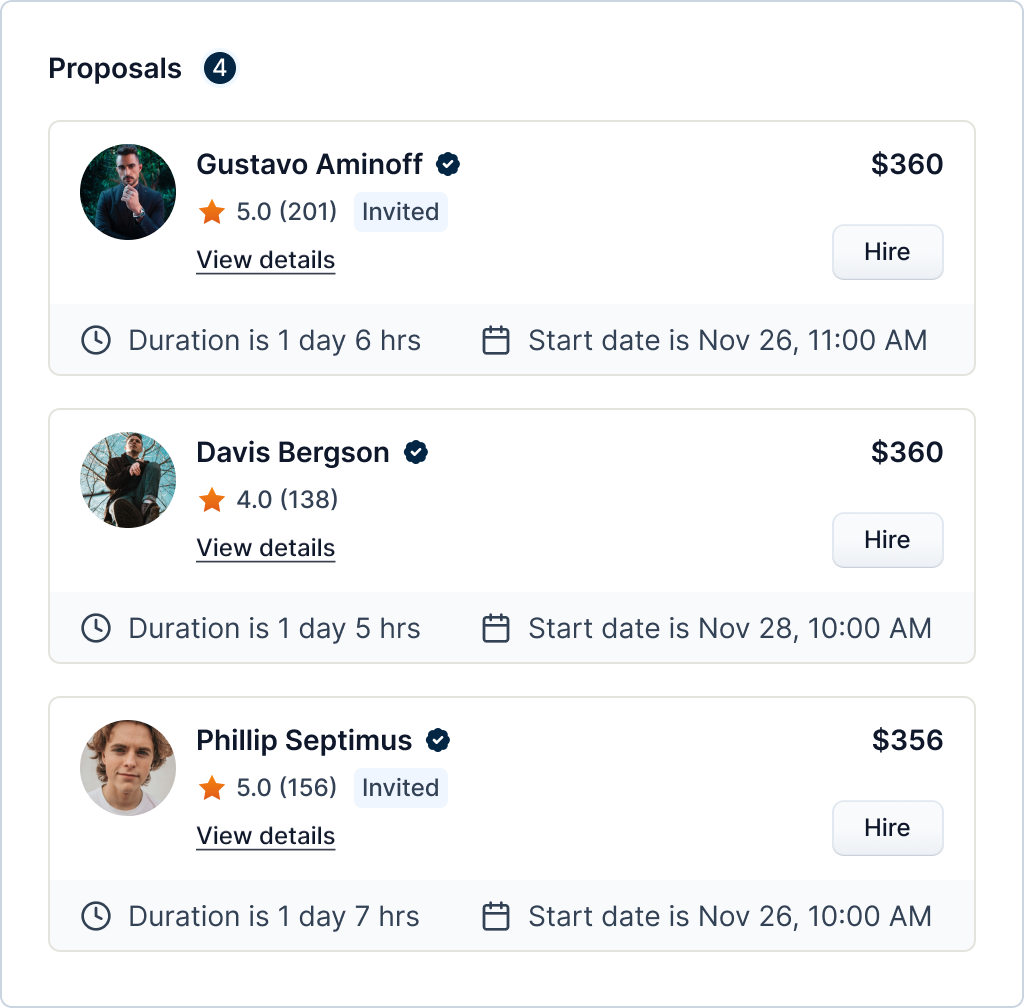
You can also view the details of the vendor by clicking the "View details".

Info
Not all users can hire vendors
By clicking the "Hire" button on the bid list, you will hire the vendor for the job.
This will change the status of the job to "Scheduled" if the job's start date is in the future. Otherwise, it will be "In progress".