Edit Property
Info
Not available to all users
You can edit a property from the properties page by clicking the three dots icon on the card and clicking on the "Edit" button.
After clicking the button, the same form which was used in property creation will open in a popup with prefilled information.
Here, you can update the property's information: community, type, name and address.
Fields in the "Edit Property" Form
The form consists of the following fields:
- Community: Select the community to which the property belongs.
- Type: Choose the type of property from the dropdown (Apartment, House, or Loft).
- Name: Enter the property's name.
- Address: Provide the full address of the property.
- Map View: Displays a visual representation of the entered address.
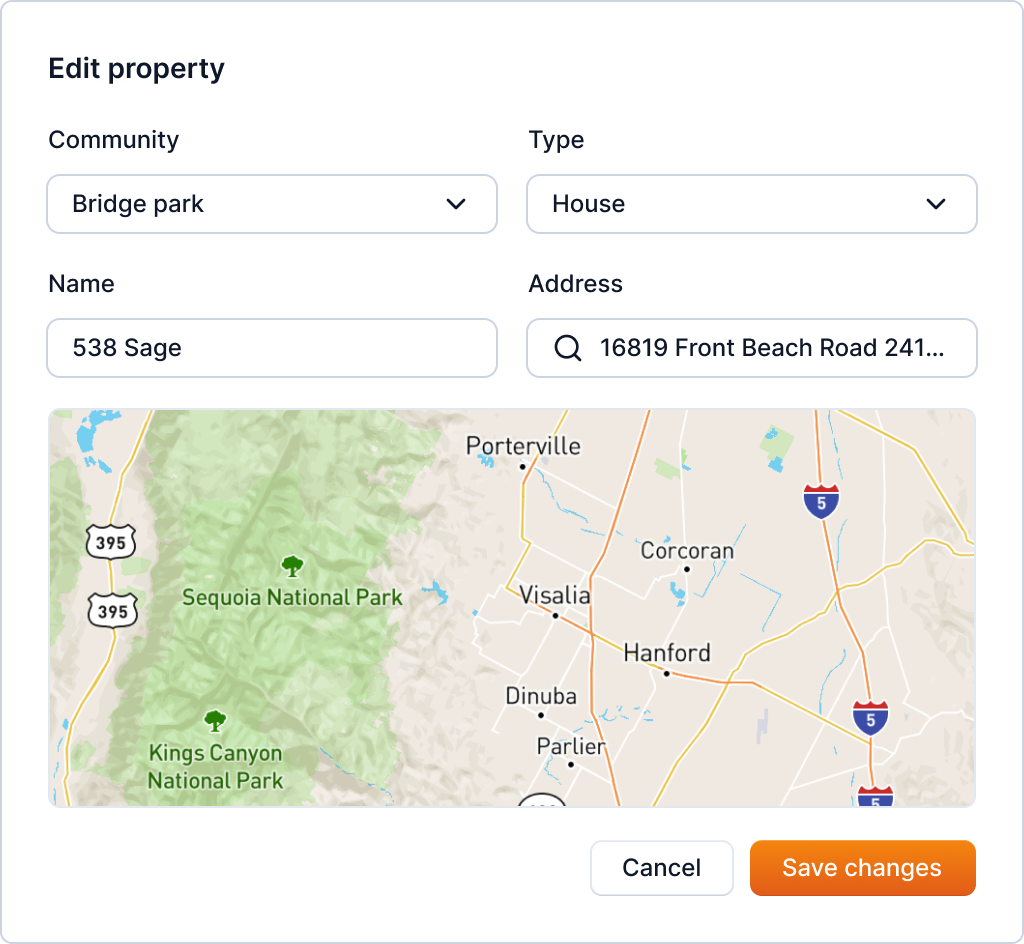
After updating the information, you can click on the "Save Changes" button to save the changes.