Login
You can login to the Turnit platform using your email and password from the login page.
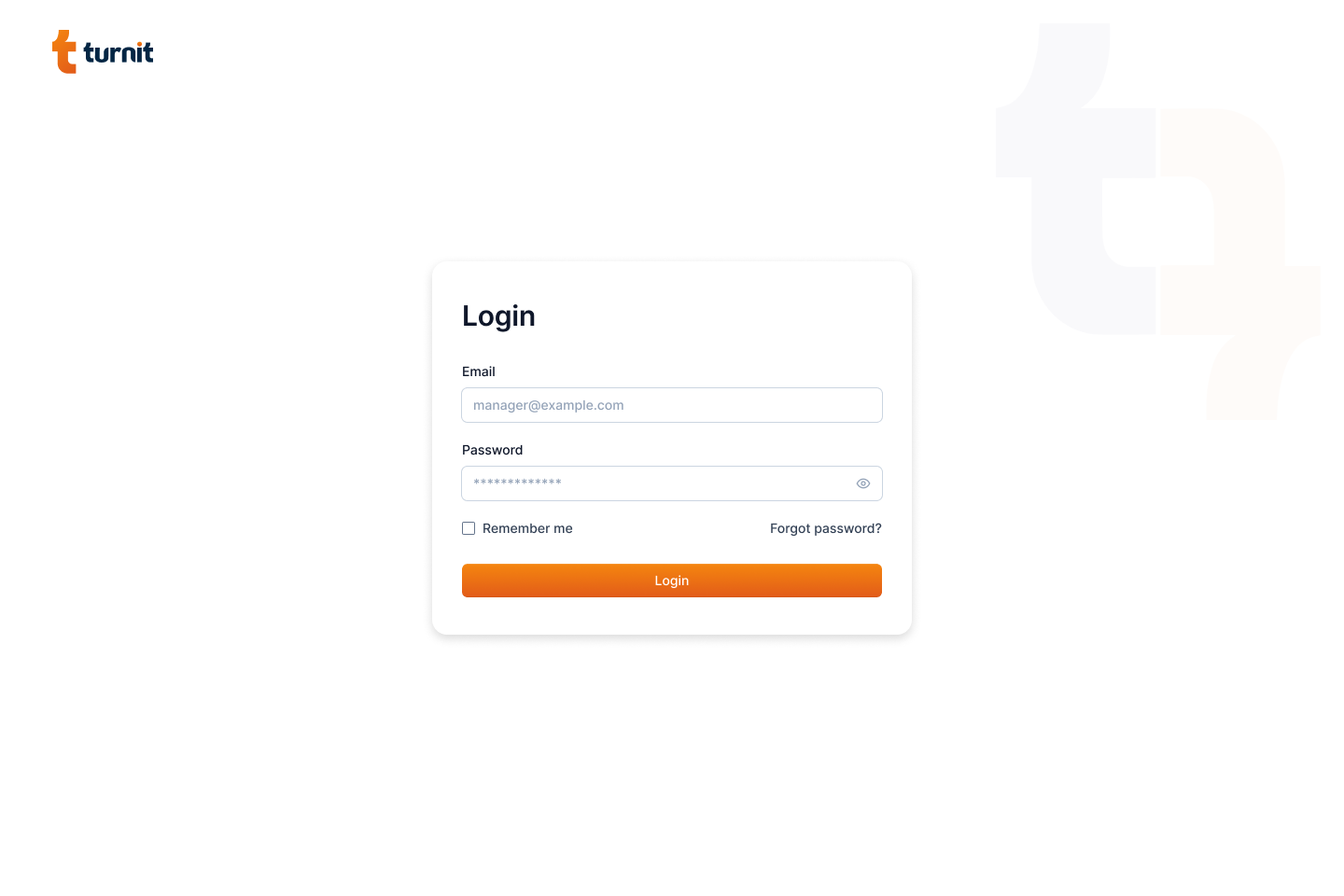
Enter your email and password in the respective fields and click on the login button.
Tip
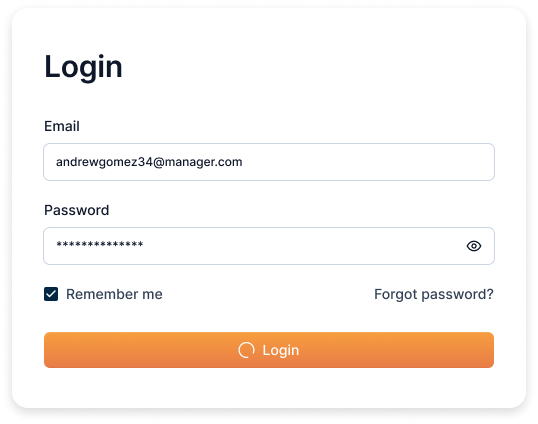
You can select the "Remember me" checkbox to remember your login credentials.
The eye icon next to the password field allows you to view the password.
After successful login, you will be redirected to the dashboard page.
Forgot Password
If you have forgotten your password, you can reset it from the login page. To do so, click on the "Forgot Password?" link.
It will redirect you to the forgot password page.
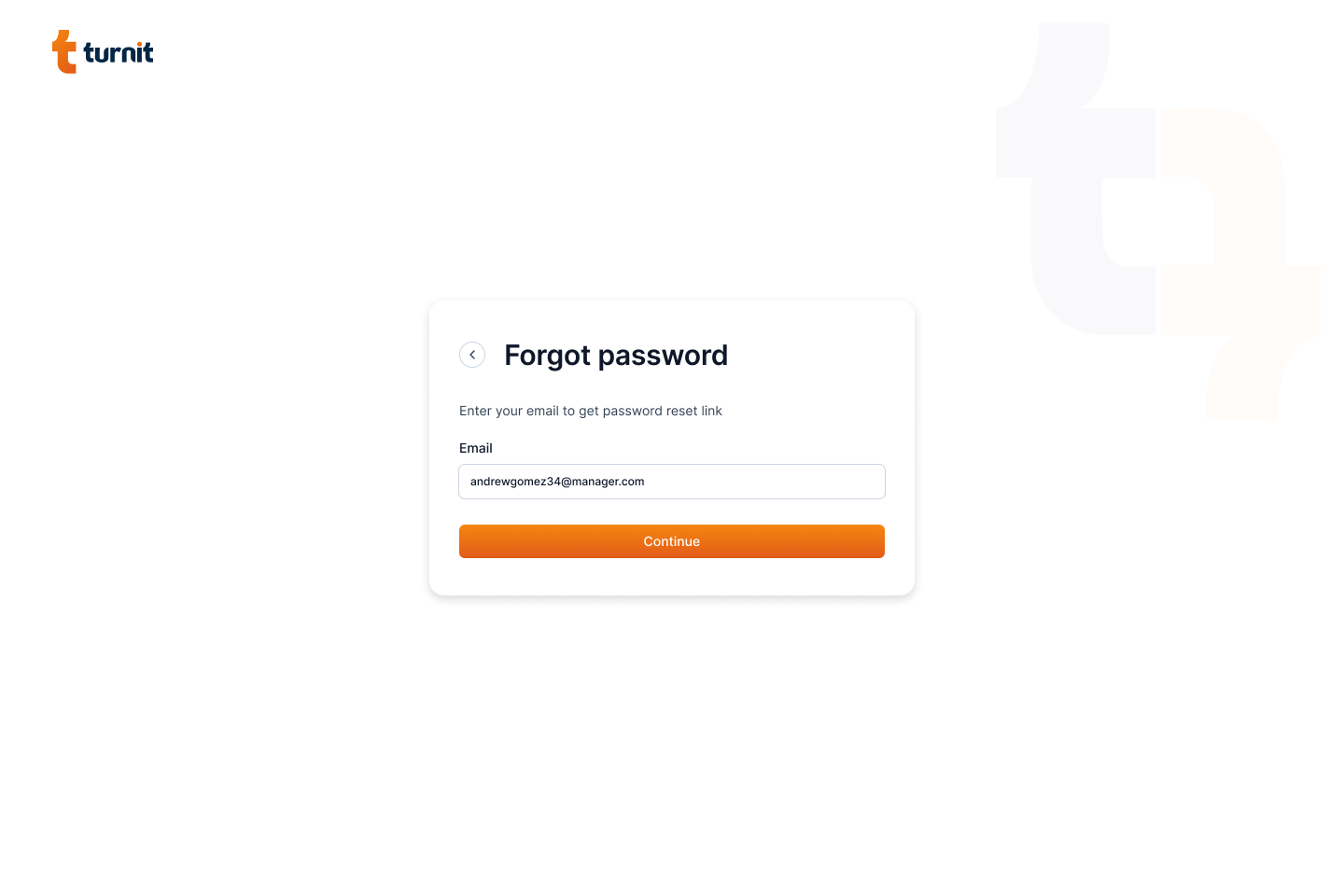
Enter your email and click on the "Continue" button. You will receive an email with a link to reset your password.
Tip
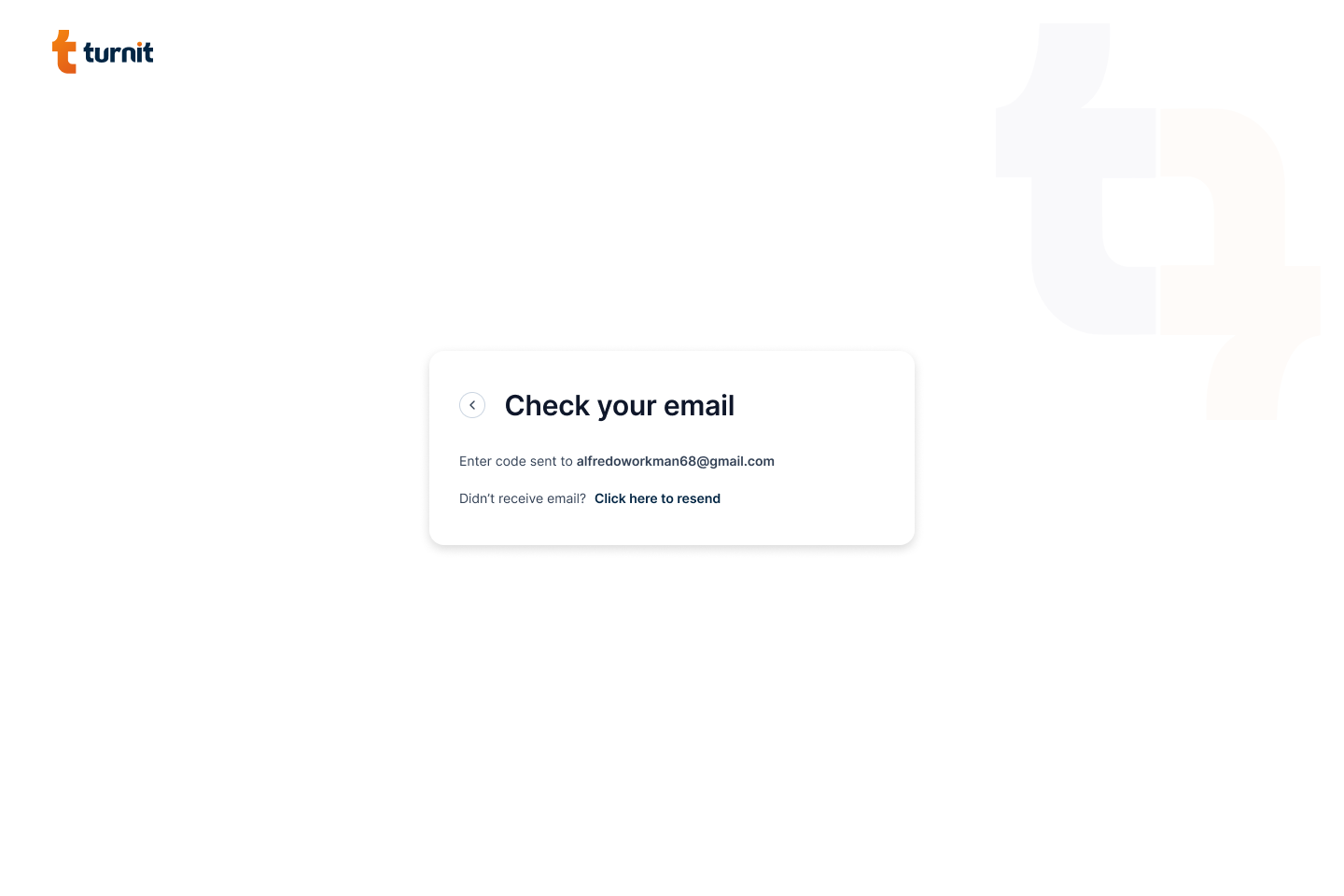
If you do not receive the email, check your spam folder. If you still do not receive the email, click on the "Click here to resend" link.
On clicking the link in the email, you will be redirected to the reset password page.
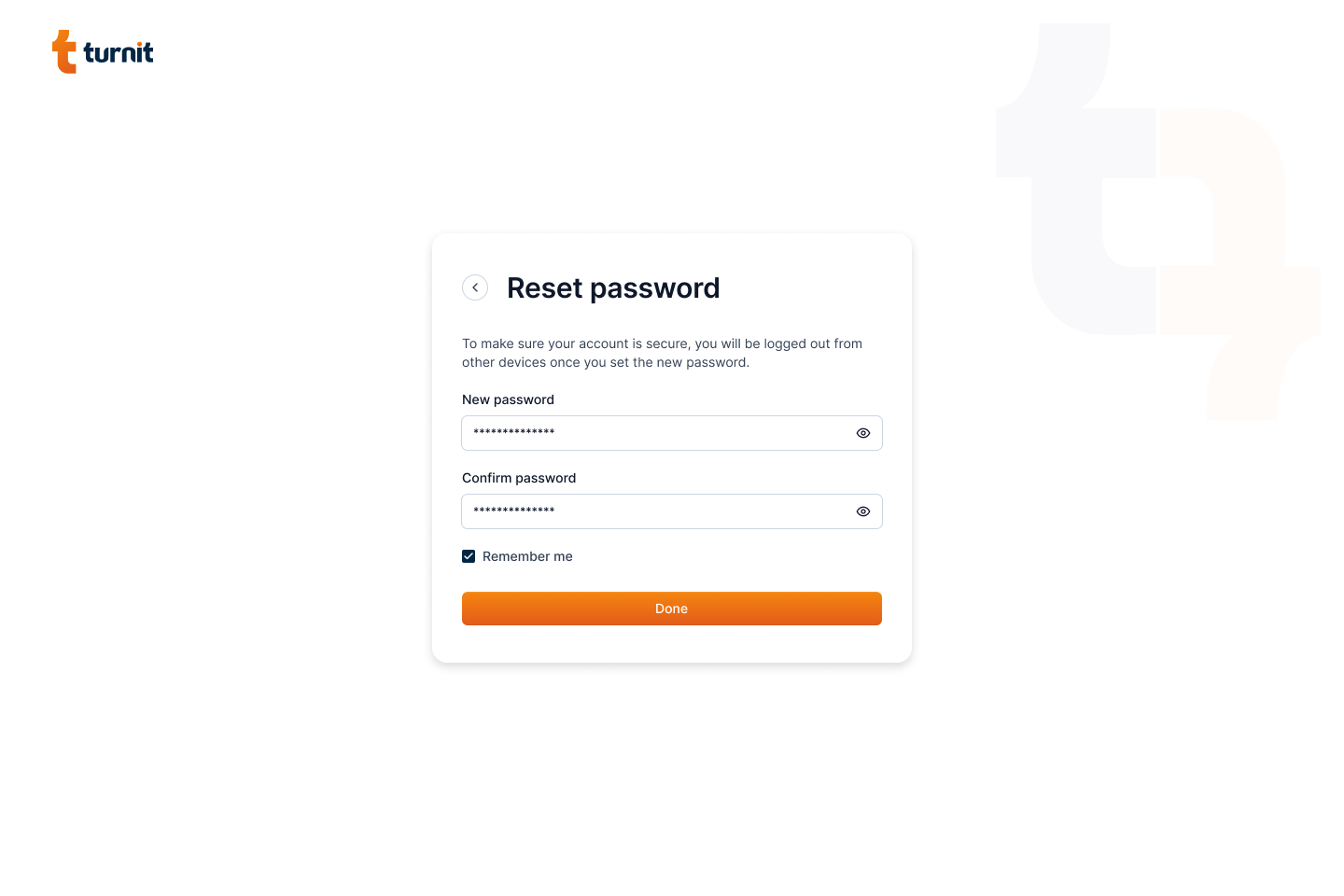
Enter your new password and click on the "Done" button. You will be redirected to the login page.