Introduction
You can view the detailed information of a community by clicking on the community card on the communities page.
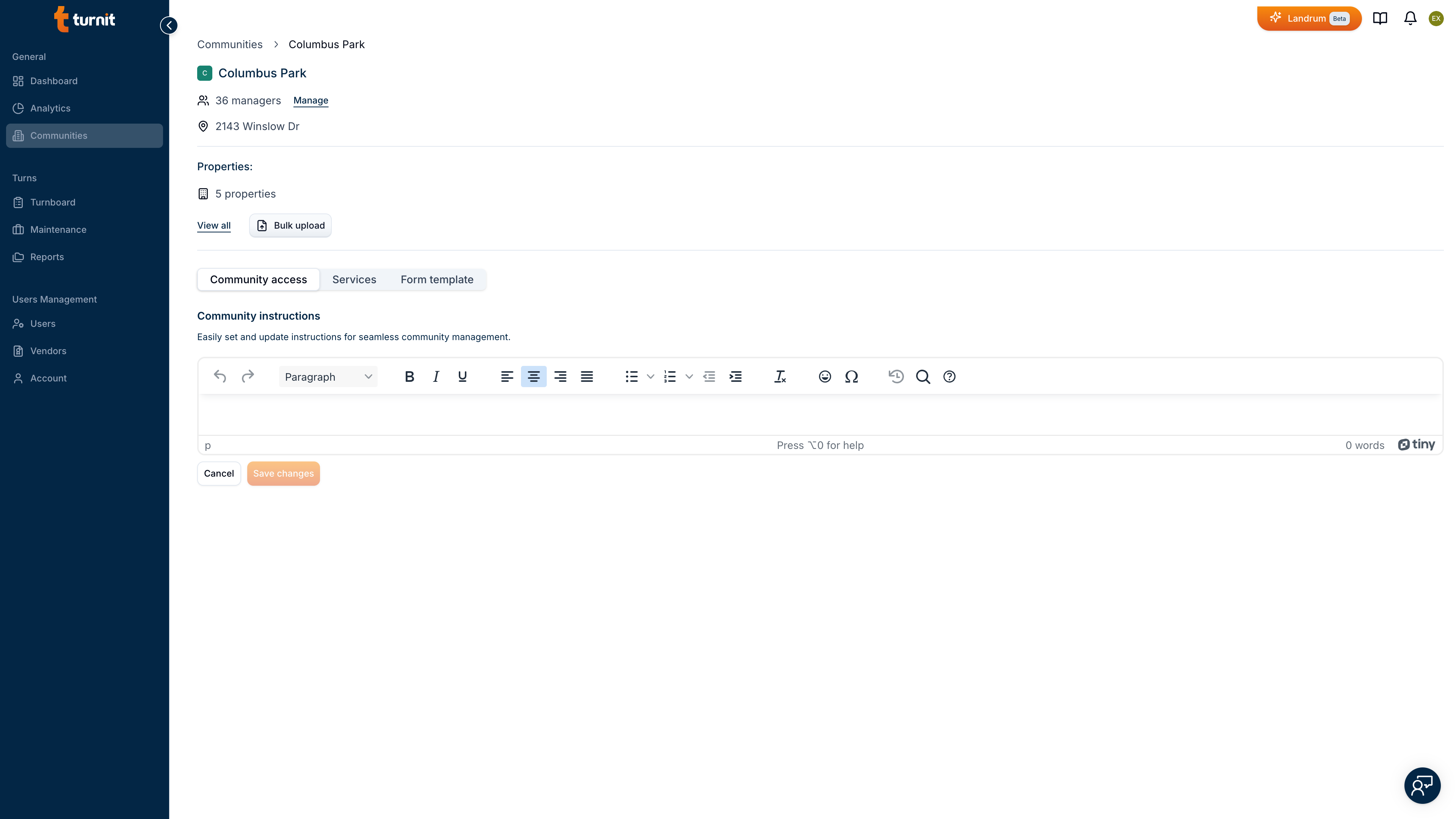
The community details page contains the following information:
| Section | Information |
|---|---|
| Community card | It shows the basic community information |
The top part of the community details page shows the general information of the community like the community name with the logo, the number of managers, the number of units and the community.
The community details page also contains tabs to view and manage the budget and payment methods, community instructions and community services.
| Tab | Purpose |
|---|---|
| Community Instructions | View and manage the community instructions. |
| Community Services | View and manage the community services. |
| Community Form Template | View and manage the community Form Template. |