Delete Property
Info
Not available to all users
You can delete a property from the properties page by clicking the three dots icon and clicking on the "Delete" button.
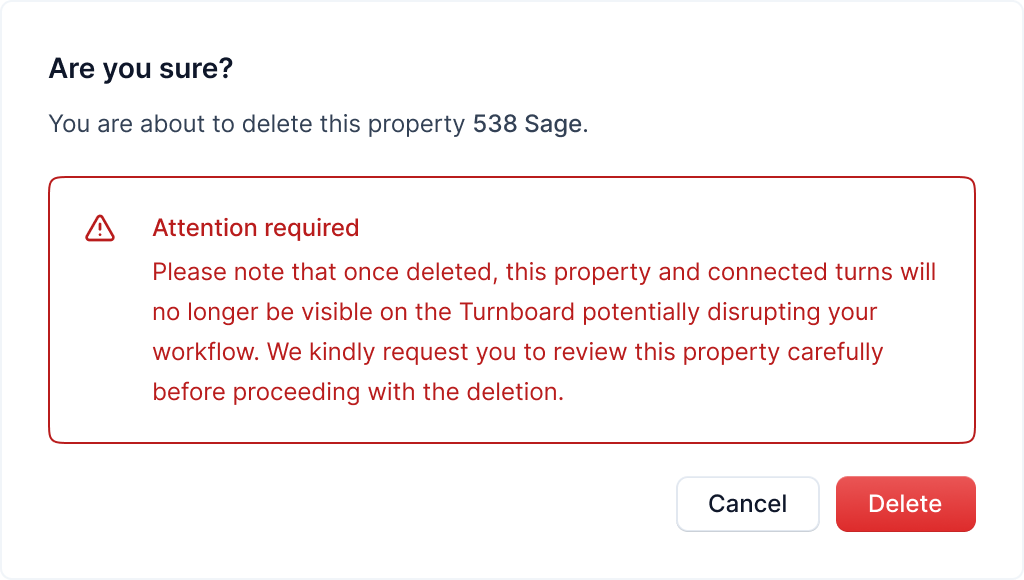
After clicking the button, a popup will open asking you to confirm the deletion.
Warning
This action is irreversible. Once you delete a property, it cannot be recovered
Carefully read the warning and click on the "Delete" button to continue with the property deletion.
After deleting a property, its connected turns will no longer be visible, and you'll be redirected to the properties page.