Assign Punch
Info
Not available to all users
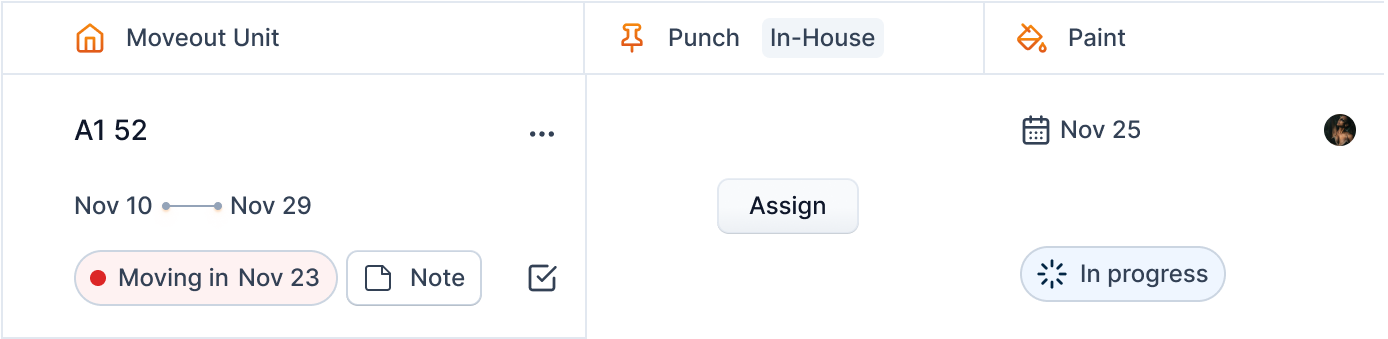
To assign a punch for the turnover, click the "Assign" button on the Punch service.
Once you click the button, you will see a form in a popup where you can select a manager and a date for punch.
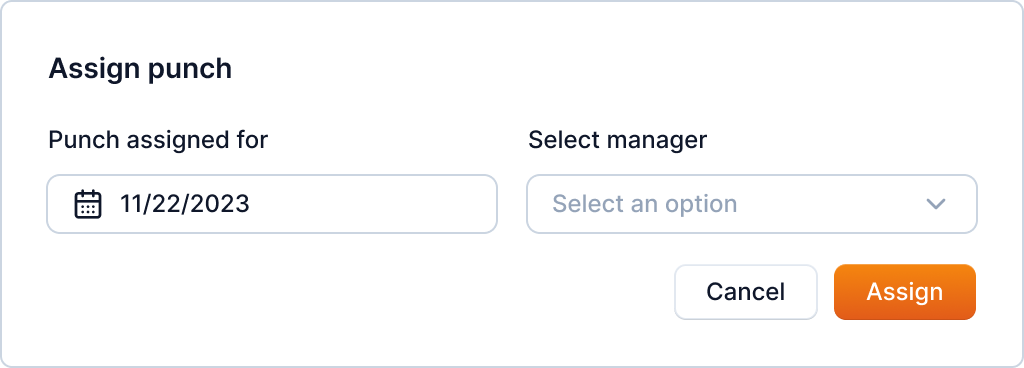
You can only do this to the managers of the community of the turnover.
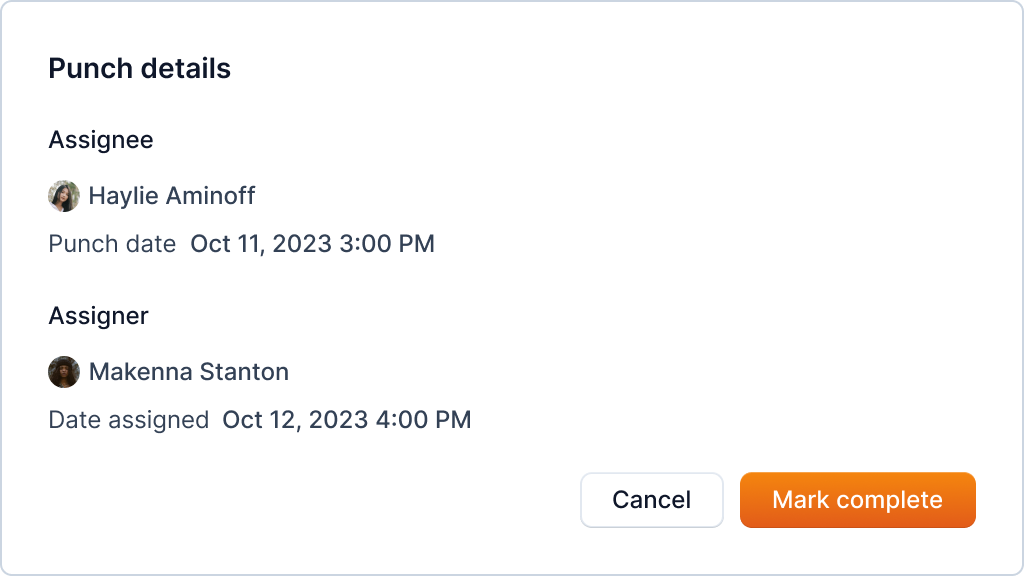
You can view the details through the same cell once assigned.