Edit and Delete User
Info
Not available to all users
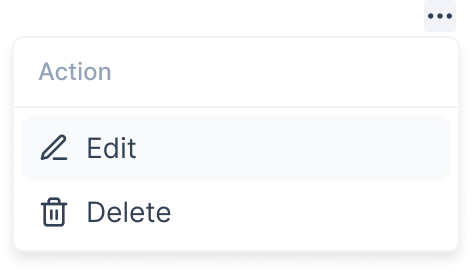
You can update information of the user after you have created the user. To start editing, click the three-dots icon and select the "Edit" button.
After clicking the button, a form will open in a popup. Here, you can edit the user's information like Name, Email, Number, Role or Community.
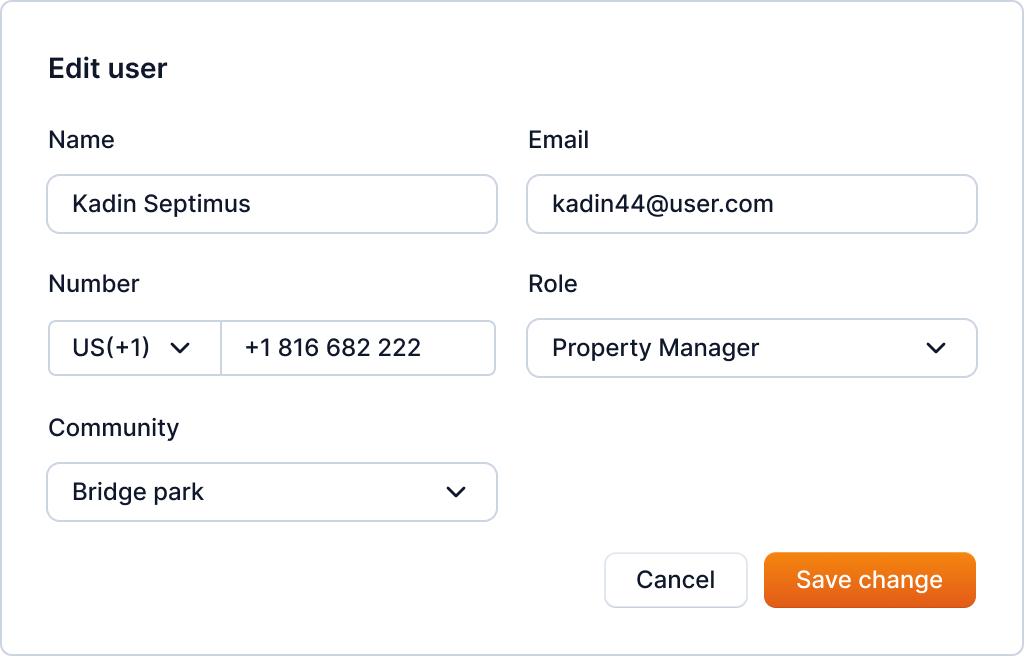
Enter the user's information and click the "Save change" button to update the user's information.
You can also delete the user using the delete option in the menu.
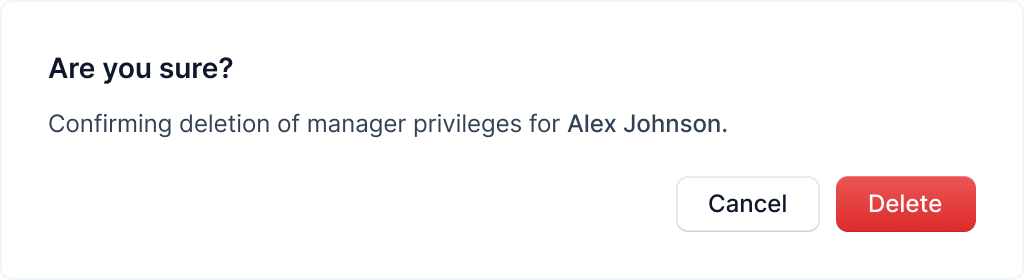
Click the "Delete" button to delete the user.
Warning
Deleting the user will delete all the data associated with the user. This action cannot be undone.