Community Instructions
You can view and manage the instructions of the community in the instructions tab of the community details page.
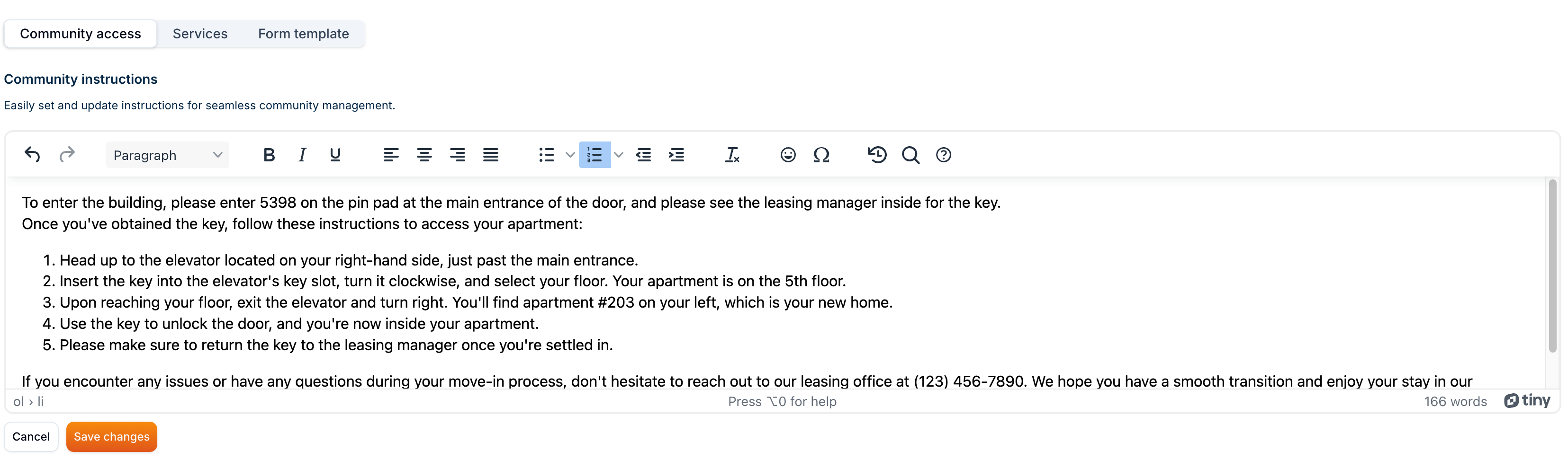
Community Instructions
In this section, you can create, view and update community instructions. Community instructions are specific to community regardless of the jobs. These instructions are shown to the vendors when they're hired for a job from the community and are applicable to all the jobs in the community.
Info
Not available to all users
Add Community Instruction
In order to add a community instruction, you need to type in the instruction in the text field as shown below.
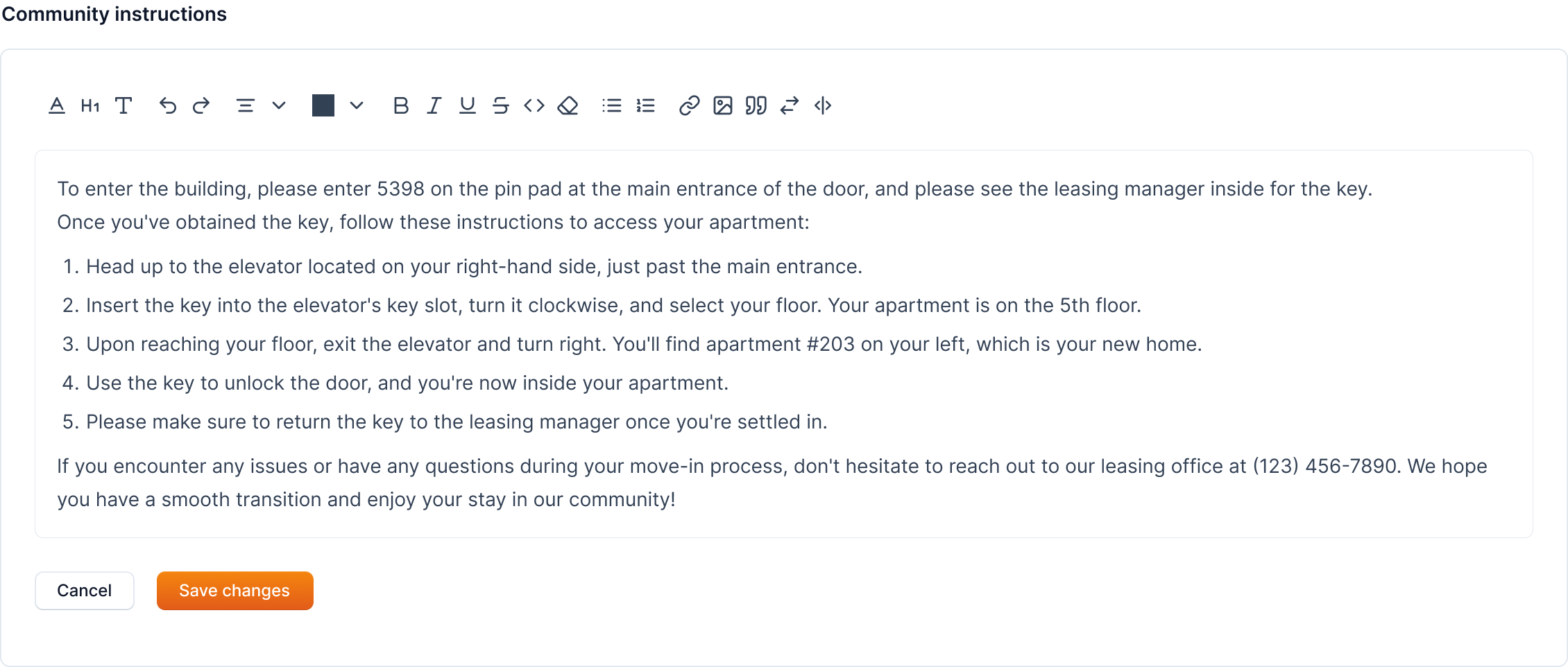
After adding instructions, click on the Save Changes button to save the instruction.
Note
The instructions will be shown as "Community Instructions" to vendors after they're hired for a job from the community.